

|
|
|||||||||||
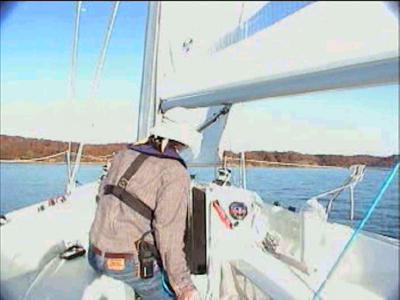
During a Jibe all crew must keep their heads down to avoid injury as the boom crosses to the opposite side of the sailboat !!! In high winds the main must be let out quickly to prevent excessive heeling of the sailboat.
|
In a jibe, the the stern of the boat is passed through the wind. both the mainsail and the jib have to be adjusted. Ideally, this maneuver is performed by three sailors, a helmsman and one working each sail. The mainsail is first centered at the beginning of the turn. As the stern passes through the wind, the mainsail is let out. The jib is adjusted by taking the sail's working sheet off the leeward winch and placing the new working sheet on the opposite winch, trimming the sail. Crew Commands
#1. Helmsman: "Get
Ready to
Jibe" |
||||||||||
Download Real One Player at
Real.com :
Real 1 Player is compatible with Windows 95, 98, XP and Mac
The High Quality Video is best downloaded
using a cable modem or T1 line.
** NOTE: 56 K modems may be used
to view cable, DSL or Best Quality movies,
however there will be a prolonged download
time
If the video appears too dark, adjust
your monitor's brightness and contrast.
Select the "Display"
icon in the control panel.
Copyright 2001, All Rights Reserved